
How to Approve DMS Levels from Workflow?
eProcurement software allows the approval of the DMS levels from the workflow. To know more about how it works, do follow the below steps: Let’s start by logging into the eProcurement web portal from the side menu and go to Workflow. From workflow go to DMS Tab. Under the approval DMs Tab, you will find […]
How to Delete and Restore DMS?
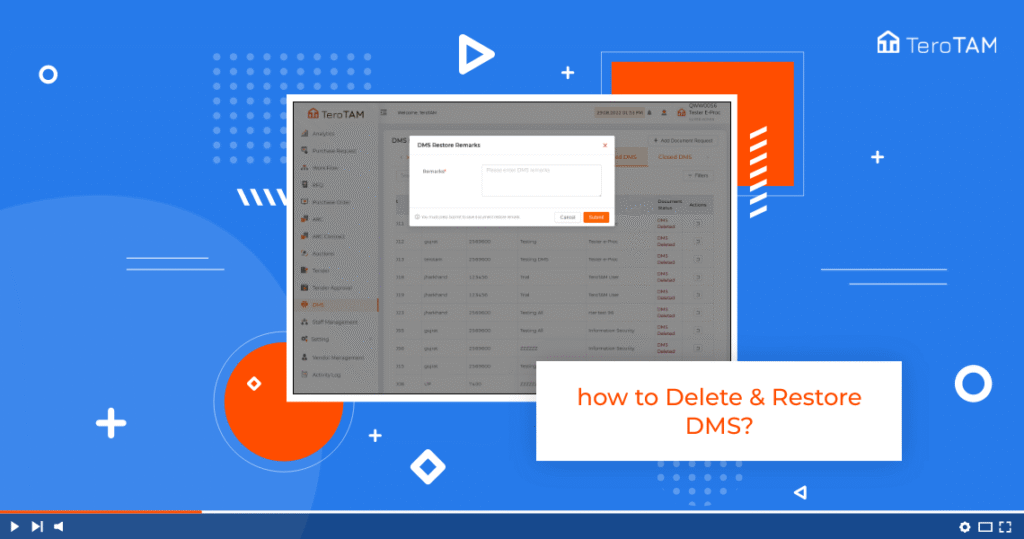
TeroTAM eProcurement software is the most flexible tool for deleting and restores of the DMS through web-based options. Follow the below steps to delete DMS and restore DMS. Login into the eProcurement portal: Let’s start by logging into the eProcurement web portal from the Side menu. Go to DMs. A DMs management page will open. […]
How to Edit DMS?

Our cloud-based eProcurement software allows to create DMS and make edits simply through web interface options, to edit DMS follow the below steps: Let’s start by logging into the eProcurement web portal. From the side-by-side menu, go to DMS. Then a DMS management page will open. From the open DMS tab, select the DMS you […]
How to Create DMS?

The TeroTAM eProcurement software allows users to create DMS (document management system) through web-application support. Follow the below steps to create DMS. Login into the eProcurement portal: Let’s start by logging into the eProcurement web portal. From the side, the menu go to DMs. The DMS Management page will open to create new DMs. Click […]
How to Delete Purchase Order (PO)?
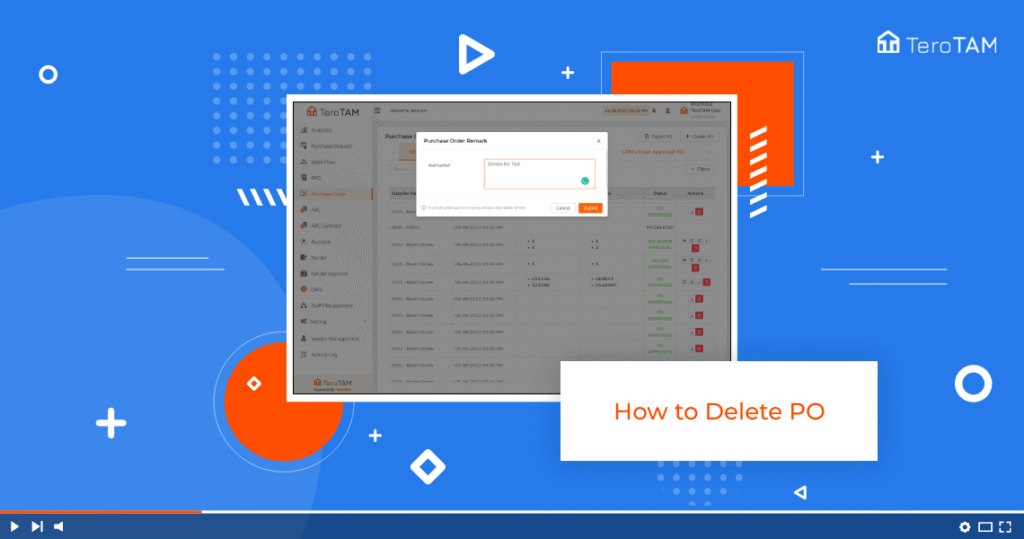
eProcurement software allows users to create Purchase Order and delete PO as well, follow below steps to delete Purchase Order. Let’s start by logging into the eProcurement web portal. From the side menu, go to purchase order, and select the PO you wish to delete. Click on the Delete icon from the Action column. It […]
How to Add GRN Approval Levels in PO?
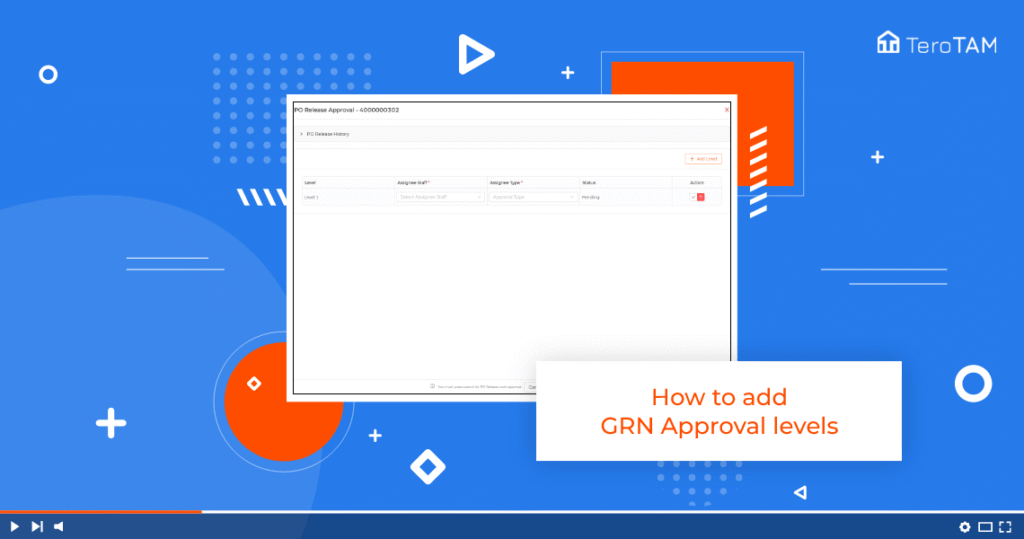
The cloud-based eProcurement software is a simple UI and flexible application to add the GRN approval levels. Follow the below steps to Add GRN approval levels. Login into the eProcurement portal: Let’s start by logging into the Portal from the Side menu. Go to Purchase order, go to Approved PO tab click on Invoices and […]
How to Add GRN Number from Customer?
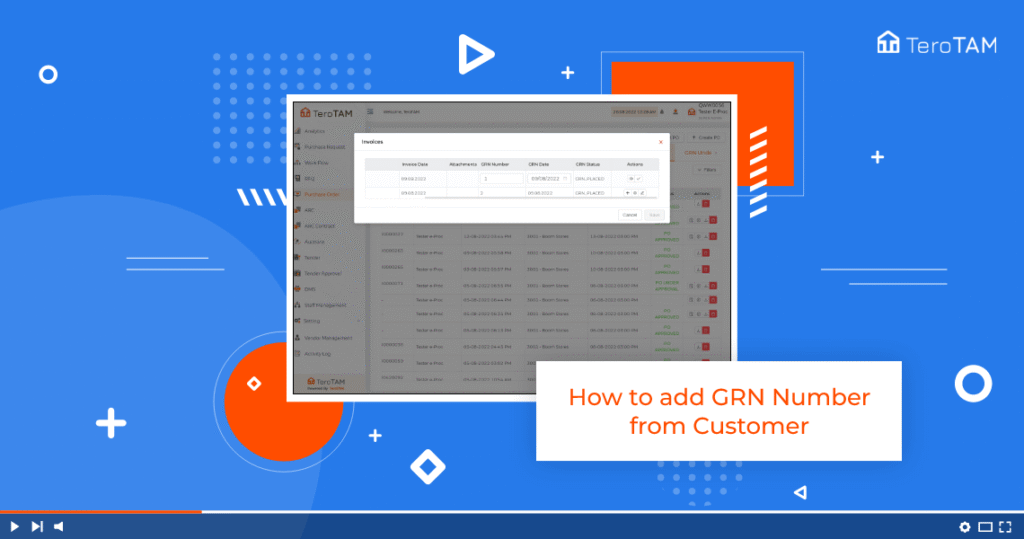
Using the TeroTAM eProcurement software allows you to add the GRN Number from the customer portal and make you edit and view the details. Follow the below steps to Add the GRN Number from the customer portal. Login into the eProcurement portal: Let’s start by logging into the Portal from the Side menu. Go to […]
How to Export Purchase Order (PO) Data?
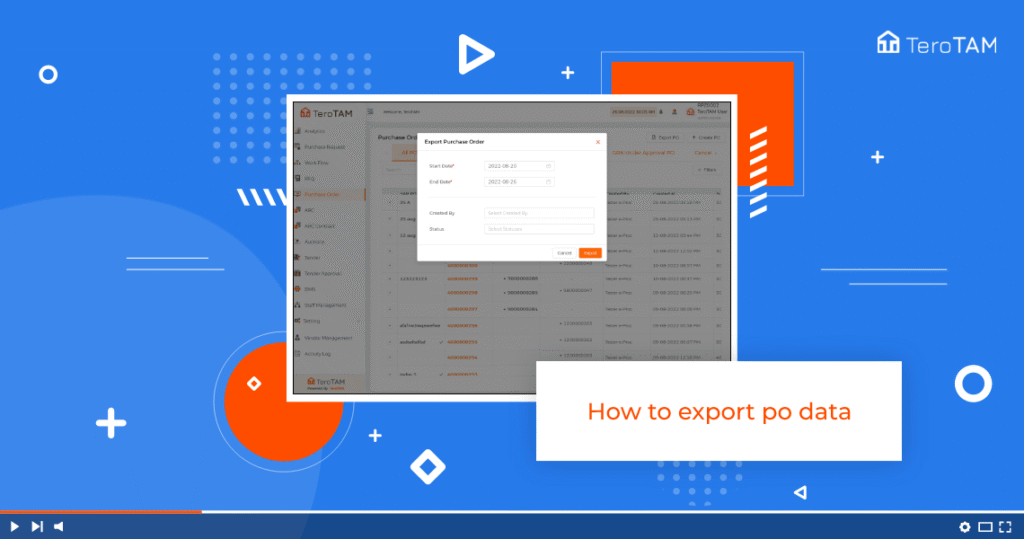
The TeroTAM eProcurement allows you to export Purchase Order data from the web portal, you can choose the custom dates and download reports in excel sheet format. Let’s start by logging into the eProcurement web portal from the side menu go to Purchase Order. To export the data, click on the Export PO button. Here […]
How to Add Invoice from Vendor in Purchase Order (PO)?
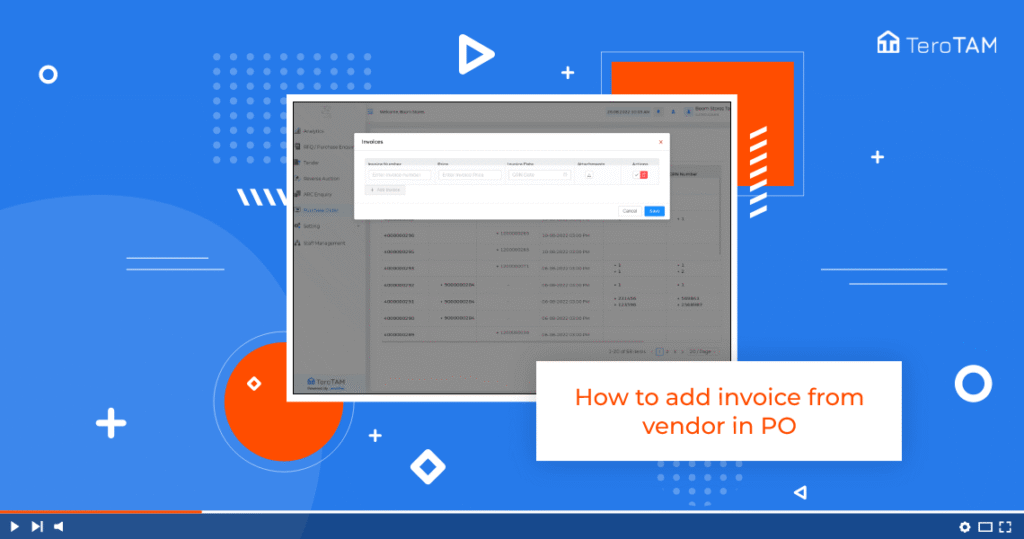
Using eProcurement software allows you to add invoices from the vendor portal. To add an invoice follow the below steps: Start by logging into the eProcurement vendor portal from the Side menu. Go to purchase order. Once the customer has applied the PO to the vendor, you can find the same in the Open PO […]
How to Approve Purchase Order(PO) from Workflow?
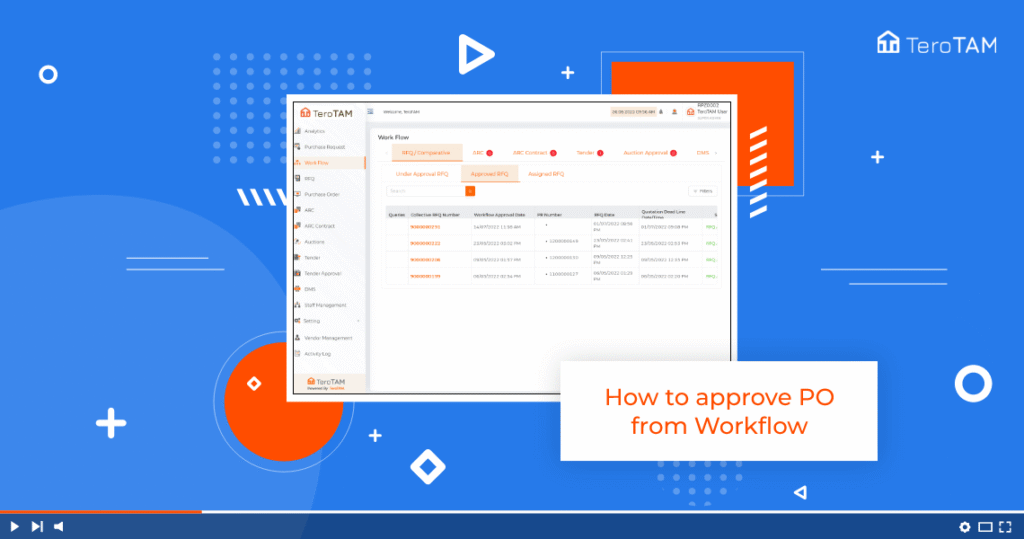
The TeroTAM eProcurement software allows you to approve the Purchase Orders from the workflow as simple through a web application. Follow the below steps to approve PO from the workflow. Login into the eProcurement web portal: Let’s start by logging into the portal from the side. Go to workflow, and from workflow go to the […]